WelkomNL Blog
DigiD Netherlands: What It Is and How to Get It as an Expat (2026)
DigiD is your digital identity for all Dutch government services. Learn what it is, how to apply step by step, how to activate it as an expat, and what you can do with it.
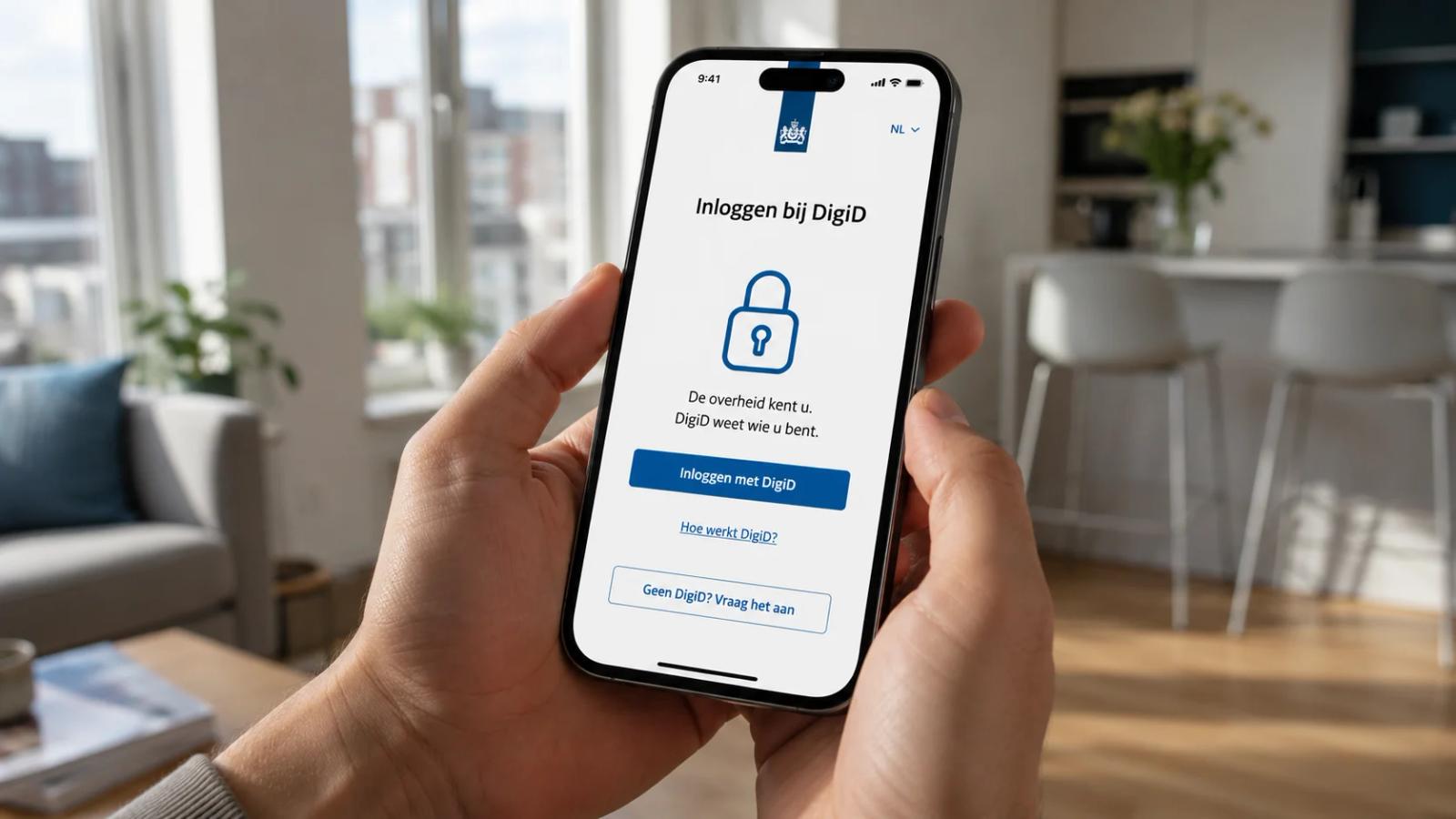
After you get your BSN number in the Netherlands, one of the very next things you need to arrange is your DigiD. This digital identity is your key to almost every Dutch government online service — from filing your taxes and applying for benefits, to managing your health insurance and accessing your housing information. Without it, you will quickly hit a wall every time you try to handle something official online.
This guide explains what DigiD is, why you need it, and how to get it step by step — including what to do if you are still living abroad when you apply.
What Is DigiD?
DigiD stands for Digitale Identiteit — Digital Identity. It is a login system issued by the Dutch government that lets you prove who you are when using government websites and apps. Think of it as the digital equivalent of showing your passport at a government counter, except you can do it from home.
DigiD is used by hundreds of Dutch organisations including the Belastingdienst (tax office), the UWV (social security), DUO (student finance), municipalities, health insurers, and many more. If you want to do anything official in the Netherlands online, you need a DigiD.
Who Needs a DigiD?
Anyone who lives or works in the Netherlands and has a BSN number can and should apply for a DigiD. You do not have to be a Dutch citizen. As an expat or international worker, you are fully entitled to one, and you will need it frequently.
Students who need to access DUO for study financing, workers who need to file a tax return, and newcomers who want to arrange their allowances (toeslagen) all need DigiD. The sooner you get it after your BSN, the easier your first administrative months will be.
What You Need Before Applying
To apply for a DigiD you need:
- A BSN (Burgerservicenummer) — you cannot apply without one
- Your date of birth and registered Dutch postal code and house number
- A mobile phone that can receive SMS text messages
- An email address
If you have registered with your municipality (BRP), these details are already in the Dutch systems and DigiD will be able to verify them.
How to Apply for DigiD: Step by Step
- Go to digid.nl and click on the option to apply for DigiD. The site is available in English — switch language in the top right corner.
- Enter your BSN, date of birth, postal code, and house number. The system checks these against the municipal records database.
- Choose a username and password that you will use every time you log in.
- Enter your mobile phone number to receive a confirmation SMS.
- You will receive an activation letter by post at your registered address within five to seven working days.
- When the letter arrives, log in to digid.nl and enter the activation code. Your DigiD is now active.
The DigiD App: Upgrading to Higher Security Level
Once your DigiD is active, you are strongly advised to also set up the DigiD app on your smartphone. This gives you a higher security level (called "substantieel" level) which is required for more sensitive services like healthcare portals, pension overviews, and some tax filings.
To set up the app, download it from the App Store or Google Play, log in with your DigiD username and password, and follow the identity verification steps. You will need your Dutch identity document or a valid passport with a chip for the ID scan.
Applying for DigiD From Abroad
If you have a BSN but have not yet moved to the Netherlands — for example, you registered through an RNI location during a previous visit — you can still apply for DigiD from abroad.
The process is almost the same. However, instead of receiving an activation letter to a Dutch address, you can request a video call with a DigiD representative to verify your identity remotely. You will need to book this appointment at netherlandsworldwide.nl. Have your valid passport ready for the call.
What You Can Do With Your DigiD
Once activated, your DigiD opens access to a wide range of official Dutch services:
- MijnOverheid — your personal government portal for letters and notifications
- Belastingdienst — file your income tax return online
- UWV — manage unemployment or disability benefits
- DUO — student loan and study finance management
- MijnZorgverzekering — manage your health insurance online
- Municipality websites — apply for permits, report changes of address
- Healthcare portals — access medical records via MedMij network
Common Problems and How to Fix Them
The most common issue is the activation letter not arriving. If you have not received it after ten working days, contact the DigiD helpdesk (1400 or via digid.nl). Make sure your registration address in the BRP is correct, as the letter is sent to whatever address the municipality has on file.
If your registered address has changed, update it with your municipality before the letter is sent. Letters sent to an old address are not forwarded.
DigiD is not optional — it is how the Netherlands works. Set it up in your first week and you will save yourself weeks of frustration later.
Track Your Setup Progress With WelkomNL
The WelkomNL app includes a personalised checklist that reminds you to apply for DigiD right after your BSN registration. It also explains every service DigiD connects you to and links you to the right government websites directly. Available on iOS and Android.
Next step
Put this guidance into action inside the WelkomNL app
Keep your momentum going with the WelkomNL app and move from reading advice to taking practical action in one place.
The app is built to help newcomers in the Netherlands navigate jobs, local systems, and day-to-day next steps with more clarity.
Continue reading
Related articles
Bringing or Buying a Car in the Netherlands: Registration and Tax Guide 2026
Understand how to register a car in the Netherlands in 2026, including RDW registration, BPM, road tax rates for petrol, hybrid and electric cars, and insurance.
Setting Up Utilities in the Netherlands: Energy, Water and Internet in 2026
Set up gas, electricity, water and internet in your new Dutch home. Compare fixed and variable energy contracts, meter readings, providers and moving-in timing for 2026.

Parental Leave and Child Benefits in the Netherlands: 2026 Guide for Families
Understand Dutch maternity, partner and parental leave rules for 2026, how UWV payments work, and how kinderbijslag child benefit is calculated and paid.